Download MomentBook
Two calm ways to begin. Available for iPhone and Android.
Available on the App Store and Google Play.
Need help? Visit support or check FAQ.
Quick start
How do I get started with MomentBook?
Download the app, choose your starting path (tracking or photos), and begin your first journey.
- Download from App Store or Google Play
- Choose tracking-based or photo-only start
- Create your first journey and add moments
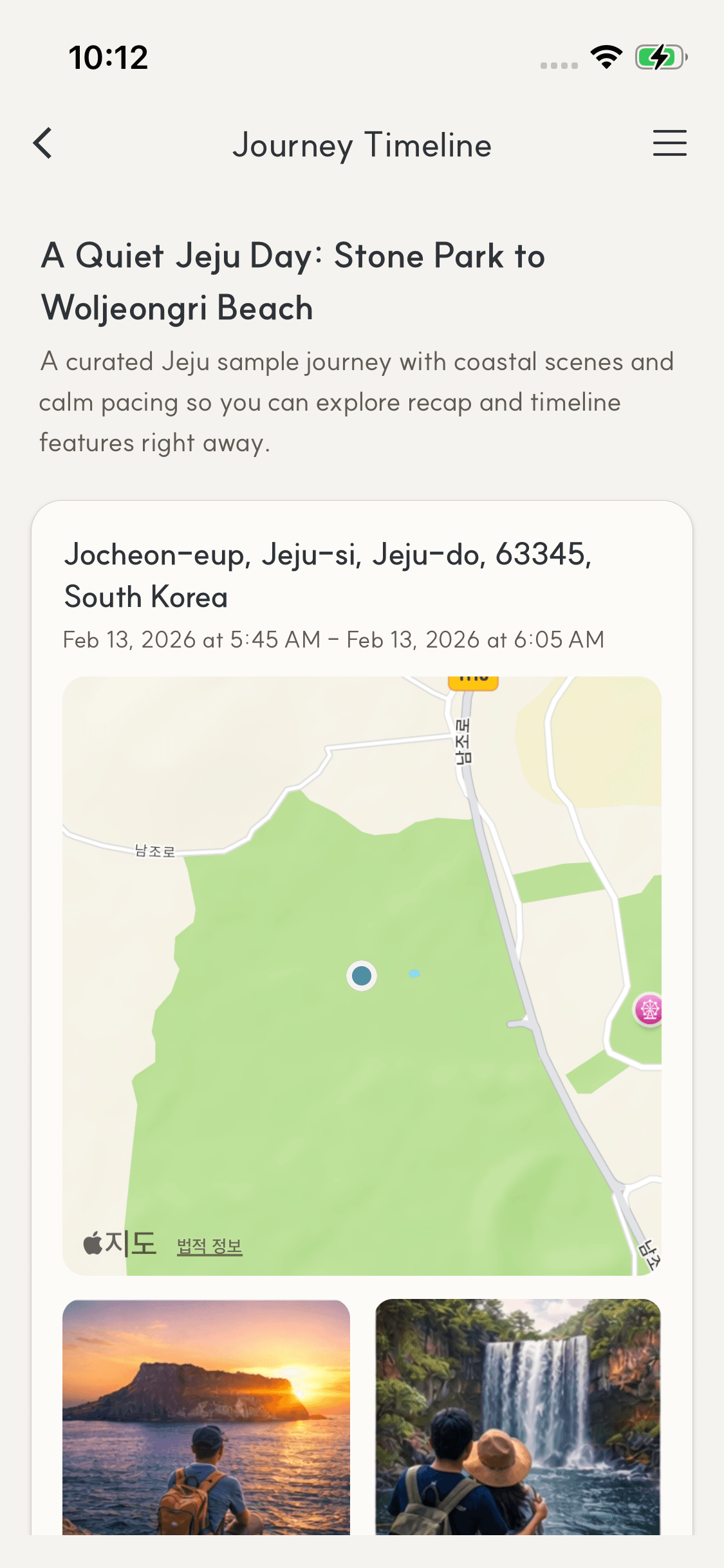
After organizing timeline moments, you can export a ZIP (images + metadata) to keep it yourself or share directly with others. Publishing is not required.
Built for two ways to begin
Tracking or photos
Track as you move, or start by selecting photos.
Finish and review
End a journey and review the organized moments.
Optional publishing
Publish only when you choose, and keep it private by default.
System requirements
iOS
Requires iOS 16.0 or later
Compatible with iPhone and iPad
Android
Requires Android 10.0 or later
Compatible with most Android devices
Private by default. Publishing creates a public page with a unique URL.