Two ways to record a journey

Track as you move, or start with photos only. Both lead to an organized journey you can return to.

Key facts

  • Two ways to start: tracking-based journey or photo-only organization
  • Private by default; publishing is optional and creates a unique public page
  • No social features: no feeds, likes, or rankings
  • You can export/share/backup your journey without publishing

Two paths, one destination

Different starts, same journey.

Tracking-based journey

For days when you want time and place to gather as you move.

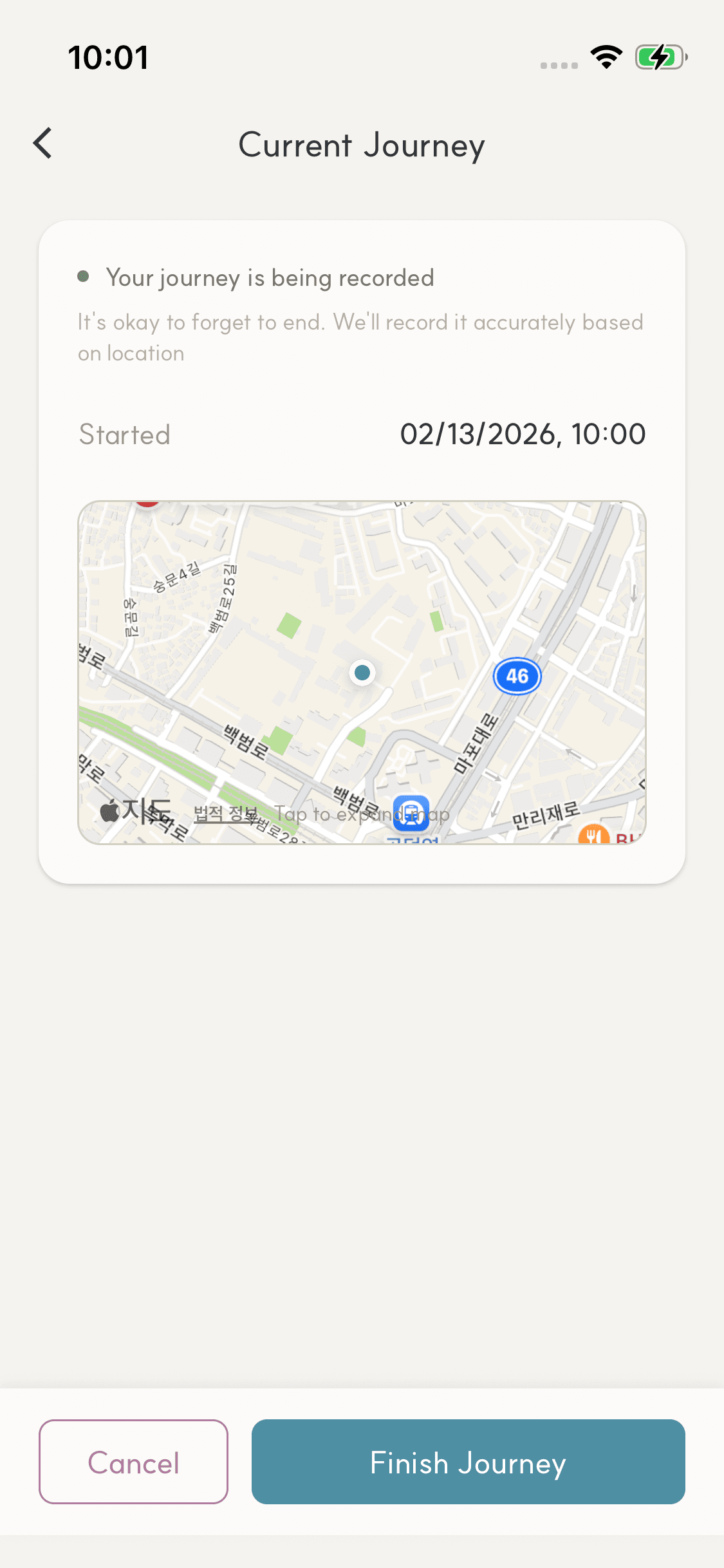
  1. 1Start tracking from the home screen.
  2. 2Moments gather as you move.
  3. 3Finish and review the journey.

Photo-only organization

If tracking feels heavy, photos alone are enough.

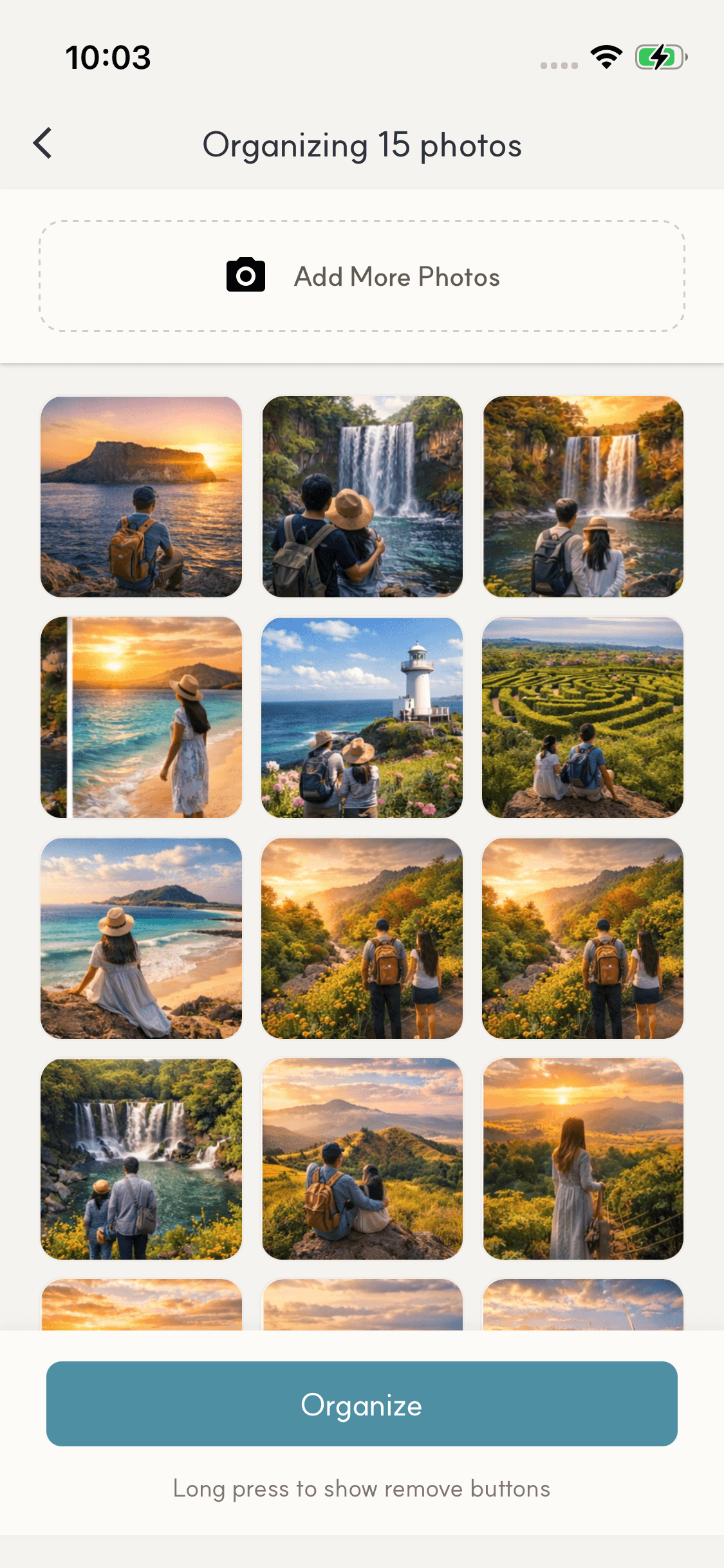
  1. 1Select photos to organize.
  2. 2Photos group into moments.
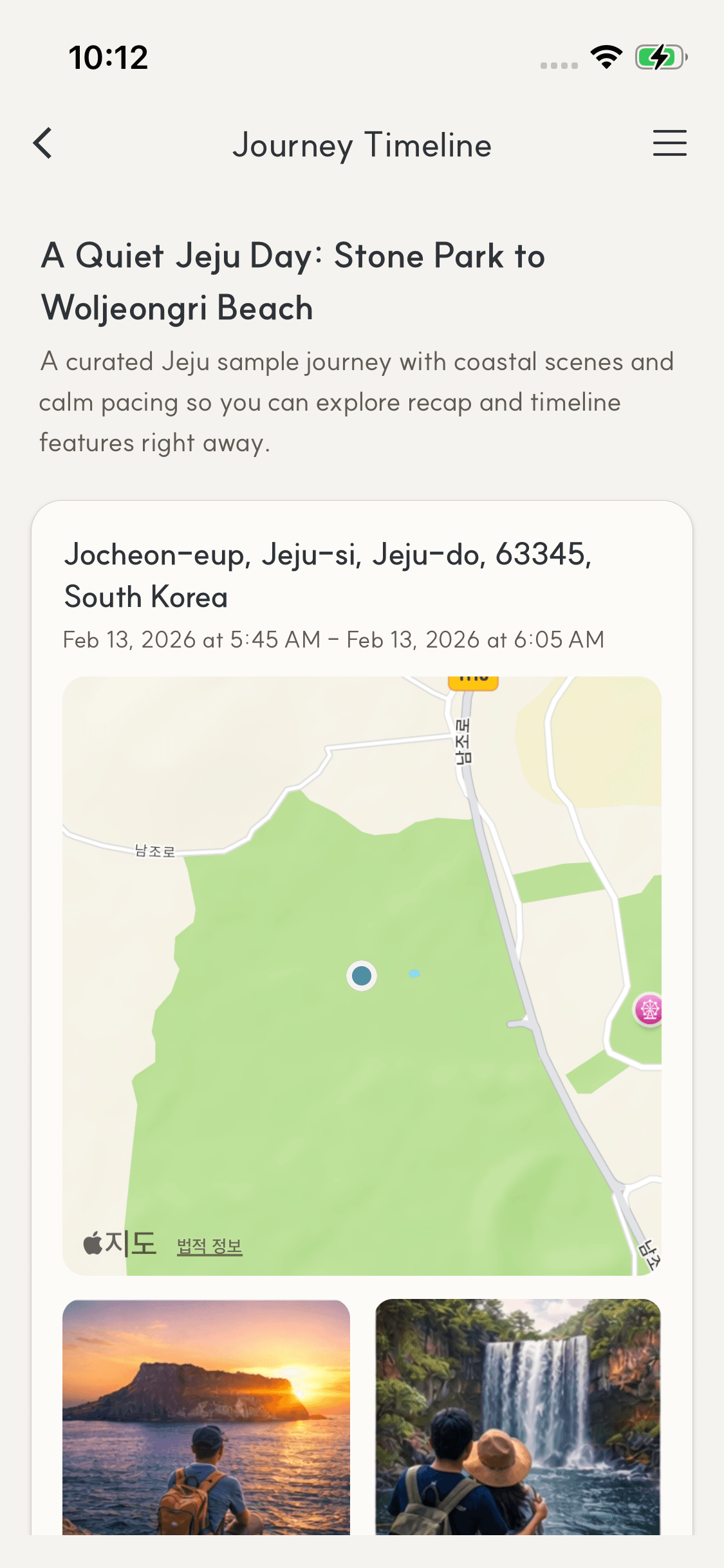
  3. 3Adjust and review.

App screens

A quick look at the flow.

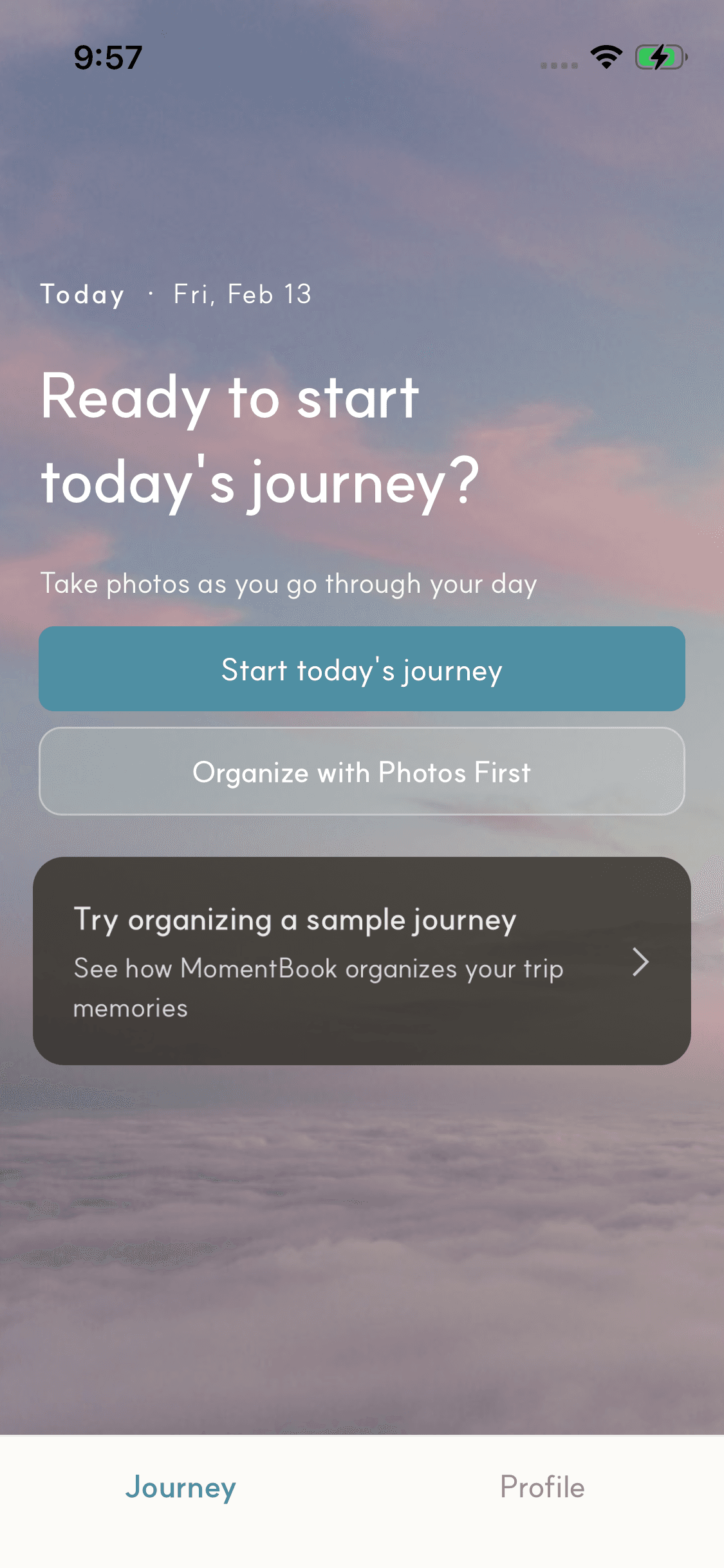
MomentBook intro screen
MomentBook tracking flow screen
MomentBook photo organization screen
MomentBook journey timeline screen

Where both paths meet

Different starts, same destination.

  • Memories shaped as journeys, not a feed.
  • Organized moments at a glance.
  • Sharing is optional; keeping it personal is the default.

What matters most

MomentBook stays calm and practical. These are the core principles.

Principles

  • Two ways to begin
  • Private by default
  • Quiet sharing by link
  • Export/share/backup without publishing

Publishing and visibility

Journeys are private by default. Publishing is optional and public pages may be indexed by search engines.

Timeline export

After organizing a journey into a timeline, you can export a ZIP (images + metadata) to keep personally or share directly. This works even without publishing.

More questions? Visit FAQ